

Bookish & Spice
Welcome to
Romance special editions, delivered every other month

Bi-Monthly Subscriptions
Choose Your Box
Pick the subscription that suits your romance style.


Bi-Monthly Subscriptions



Why Subscribe? ✨
Because missing out isn't part of the plan.
Explore Our Library
Exclusive Special Editions



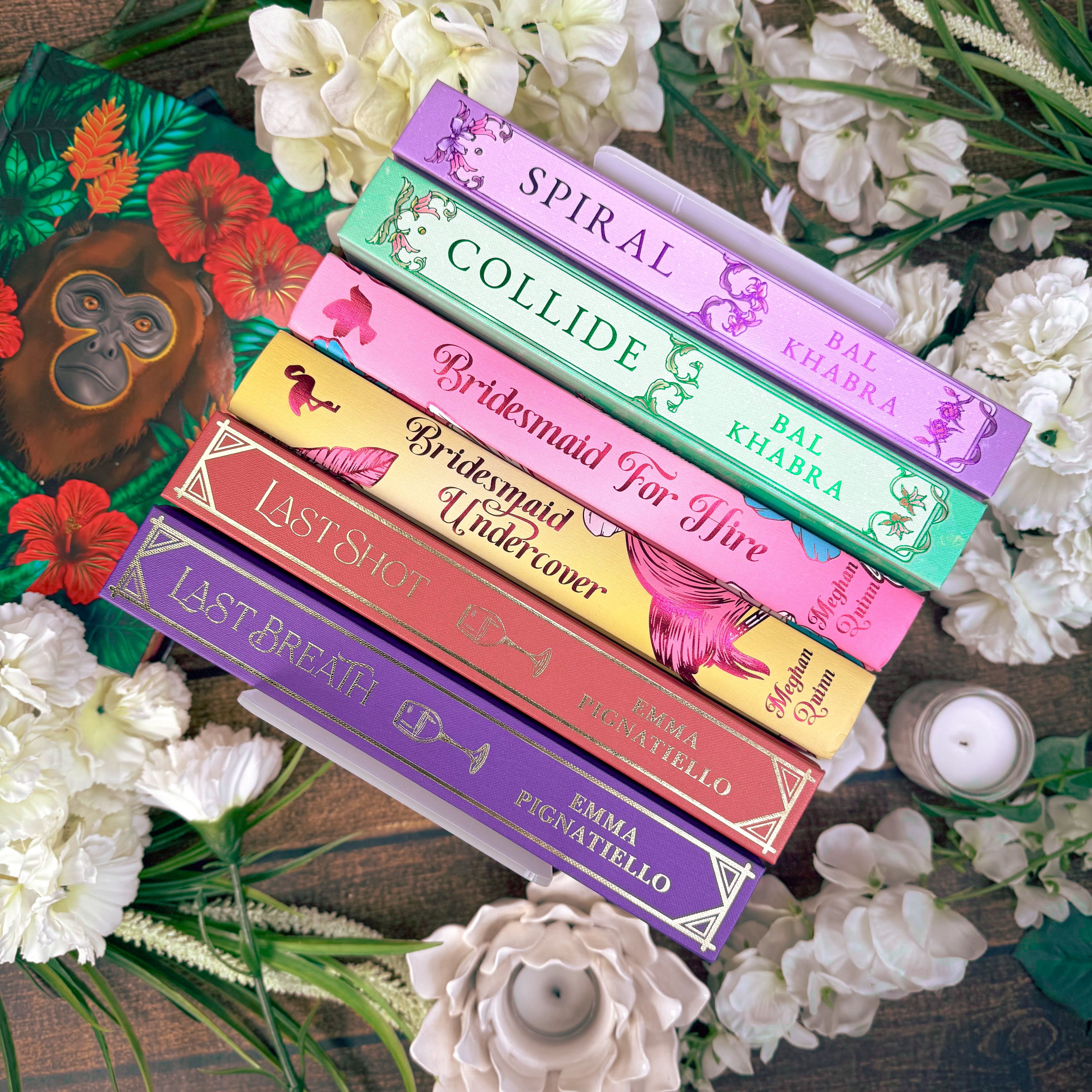
Behind the Pages
Bookish & Spice began with one simple goal: to create beautiful, affordable special edition books for readers worldwide. We specialise in all things spicy romance.
Our bi-monthly subscription boxes are thoughtfully curated with talented authors and artists, bringing each story to life. Every box features a new book, and subscriptions never overlap, so you can enjoy all three subscriptions without ever receiving duplicates.
All of our books are printed in very limited quantities, making each one a treasured addition to your shelf.
We can't wait to welcome you to our bookish community!
A Few Bookish Notes

Shipping Updates
Your one stop for the latest delivery estimates on outstanding orders.
Shipping Updates
Your one stop for the latest delivery estimates on outstanding orders.
FAQS
For all subscriber information, please visit our Active Subscriber Hub HERE
We are located in Brisbane, Australia
This means we typically use Australian Eastern Standard Time (AEST) and Australian Currency (AUD) in announcements and promotions.
We also have a US Dispatch Hub in Michigan, United States. They handle most of our US bound orders which helps keep our boxes more affordable.
To update the shipping address for your book box subscription, please follow the steps below.
Please note: If you have more than one active subscription, you will need to update the shipping address for each subscription separately.
If you've already placed an order and need to change its shipping address, you can update it directly through your account portal by following the steps below.
Important things to know before you start:
• If you have more than one active subscription, you'll need to update the shipping address for each subscription separately.
• Updating your subscription address will only apply to future subscription renewals. It will not automatically change the shipping address on orders you've already placed.
• To update the address on an existing unfulfilled order, please follow these instructions.
How to Update Your Subscription Shipping Address
1. Open Your Subscription
Once you've logged into your account, navigate to the 'Subscriptions' tab.
Find the subscription you'd like to update and click 'Edit subscription'.

2. Edit Your Shipping Details
Scroll to the bottom of the page until you reach the 'Shipping' section.
Click the 'Edit' button on the Shipping block.

3. Update and Save Your Address
Enter your new shipping address details and click 'Save'.

That's it! Your subscription shipping address has now been updated, and all future renewals should be sent to your new address.
IMPORTANT: WHAT ABOUT EXISTING ORDERS?
If you have any unfulfilled orders (orders you've already paid for but that haven't shipped yet), updating your subscription address will not change the shipping address for those orders.
You'll need to update the address on each outstanding order separately.
If your renewal fails, our system will attempt to process payment 3 more times.
These attempts will be made every 24 hours until the payment is processed.
If the payment is unsuccessful after the final attempt, your subscription will be paused.
We will then email you and ask what you would like to do. If you do not respond to us, your subscription will be cancelled.
Have you opened your book?
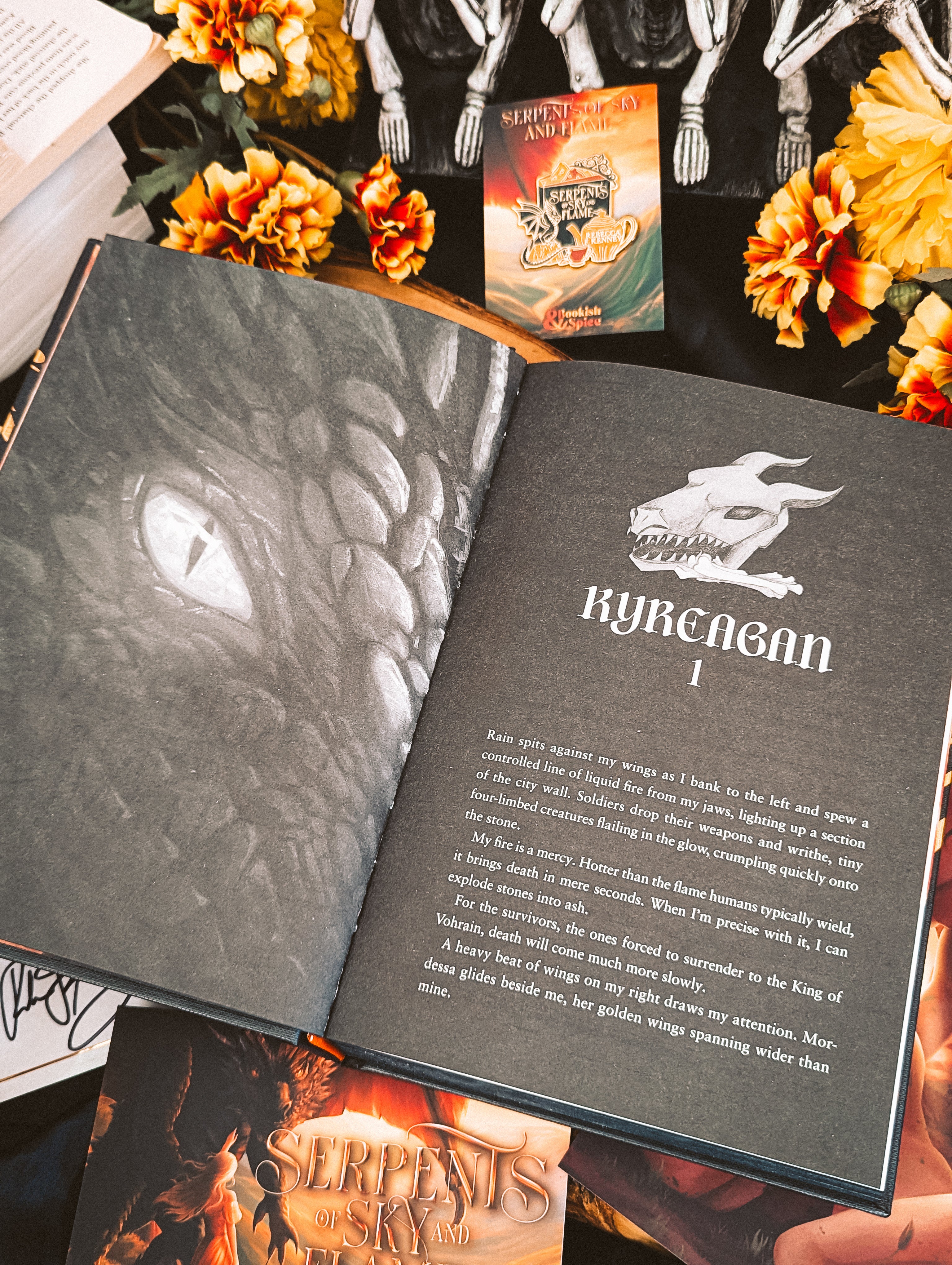
From January 2026, most bookmarks and A6 cards will be placed inside your special edition before the book is securely wrapped in plastic.
This extra step protects the items during shipping.